AI Shorts Generator: Create YouTube Shorts and Viral Videos With AI
- 11 min read
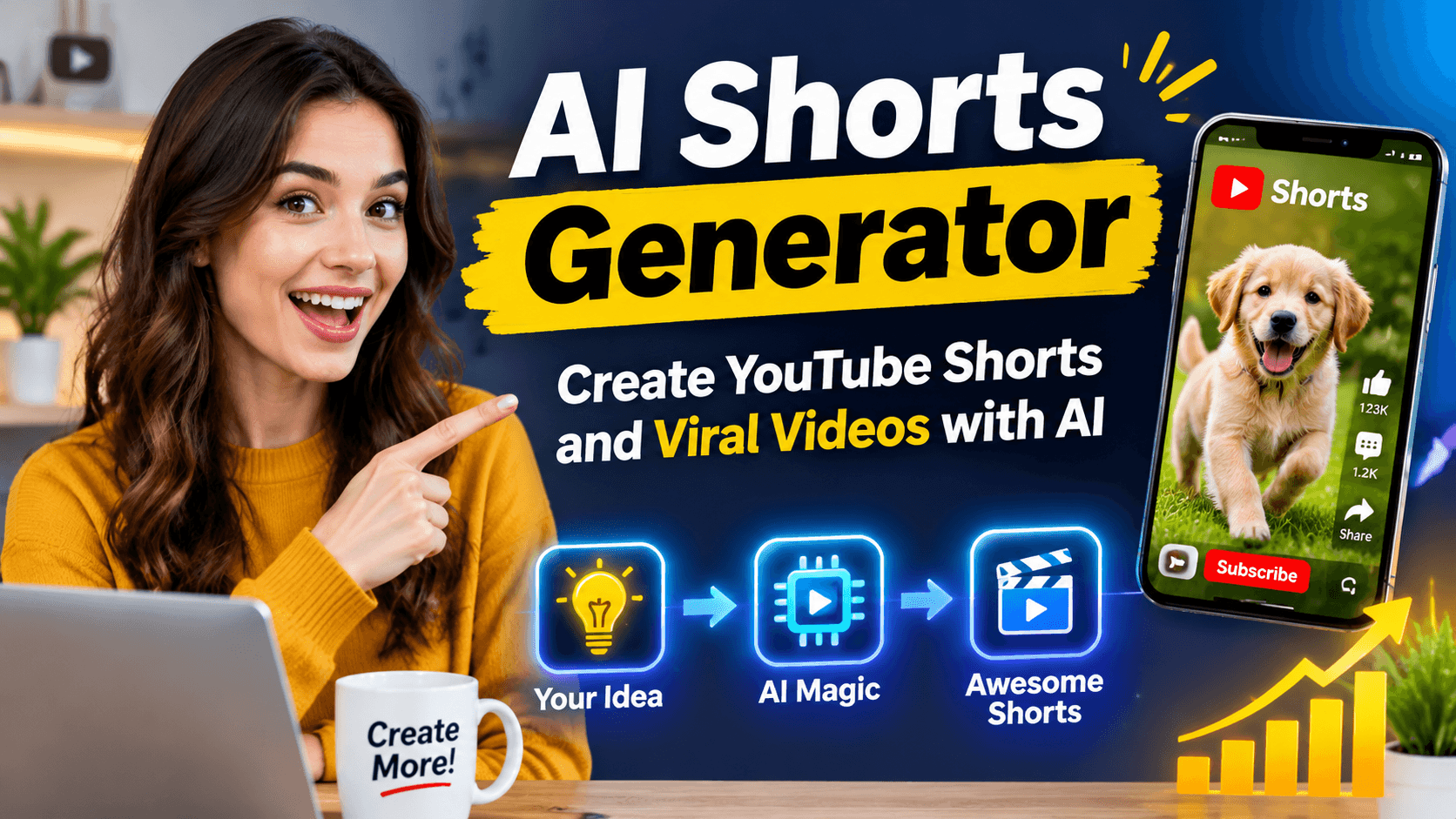
Short videos have become a popular way to share stories, teach new skills, promote products, and entertain viewers. Platforms such as YouTube Shorts, Instagram Reels, and TikTok allow creators to reach people through quick and engaging videos.
However, creating short videos takes time. You may need to write a script, find images, record a voiceover, edit clips, add captions, and prepare the final video for publishing.
An AI Shorts Generator can make this process easier.
An AI Shorts Generator is a tool that uses artificial intelligence to help create short videos from text prompts, scripts, images, or other content. Depending on the tool, it can generate video scenes, suggest ideas, create voiceovers, add captions, or turn a longer video into shorter clips.
These tools are useful for beginners, content creators, marketers, and businesses that want to make short videos without spending hours on editing.
In this guide, you will learn what an AI Shorts Generator is, how it works, its main features, and how to use it to create engaging short videos.
What Is an AI Shorts Generator?
An AI Shorts Generator is an artificial intelligence tool designed to help users create short video content.
You can provide a simple idea, a written script, or a topic, and the tool may turn it into a video using different AI features.
For example, you could enter:
"Create a 30 second YouTube Short about five interesting facts about the ocean."
Depending on the generator, it might prepare a script, divide the content into scenes, suggest images, generate narration, and arrange the video clips.
Some AI Shorts Generators create complete videos automatically. Others focus on a single part of the process, such as writing scripts, generating video scenes, or editing existing footage.
The exact features depend on the platform and its available AI models.
How Does an AI Shorts Generator Work?
Most AI Shorts Generators follow a simple process. You provide the content or idea, choose your preferred video style, and let the tool prepare the video.
1. Enter a Video Idea
Start by describing the video you want to create.
For example:
"Create an entertaining short video about a dog discovering a hidden treasure in a forest."
You can also provide a complete script or paste text from an article.
The more clearly you explain the subject, audience, and style, the easier it is to guide the AI.
2. Generate a Script
Some tools can turn your idea into a short script.
A good script should have a clear opening, a main message, and an ending.
For example, a 30 second educational video may begin with an interesting question, explain three facts, and finish with a short conclusion.
You should review the script before generating the video to remove mistakes or unnecessary information.
3. Create Video Scenes
The generator may divide the script into different scenes.
For a short video about ocean facts, the scenes might include:
- An opening view of the ocean.
- A scene showing a dolphin.
- A scene featuring a deep sea creature.
- A final scene with an interesting ocean fact.
Some tools use AI generated images or video clips. Others select stock footage or allow you to upload your own media.
4. Add Voiceovers and Captions
Many AI video tools provide text to speech features.
You can choose a voice, adjust the narration, and add captions to help viewers follow the content.
Captions are especially useful for short videos because many people watch social media videos without sound.
Always check the pronunciation of names, numbers, and unusual words before publishing.
5. Edit and Export the Video
After generating the video, review the scenes and make any necessary changes.
You may need to adjust the timing, replace an image, correct captions, or improve the background music.
Most short video platforms support vertical video, so a 9:16 aspect ratio is a useful starting point for YouTube Shorts, TikTok, and Instagram Reels.
Check the current upload requirements of your chosen platform before exporting.
Main Features of an AI Shorts Generator
Different AI Shorts Generators offer different features. Here are some common ones to look for.
Text to Video
Text to video allows you to create video scenes from written instructions.
You can describe a character, setting, camera movement, and action.
For example:
"Show a small orange cat walking through a rainy city street at night. Use cinematic lighting, reflections on the road, and a slow camera movement."
The AI video model interprets the prompt and generates a clip.
AI Script Writing
Some generators can prepare scripts based on a topic.
This can help creators who struggle to write short and engaging content.
However, generated scripts should be reviewed for accuracy, especially when the video discusses news, education, science, or other factual topics.
Automatic Captions
Automatic captions convert spoken words into text.
This feature can save editing time and improve accessibility.
Make sure the captions match the voiceover. AI tools may misunderstand words, names, or accents.
AI Voiceovers
AI voiceovers can turn a written script into spoken narration.
Depending on the platform, you may be able to choose different voices, languages, or speaking styles.
Use voices and audio that you have permission to publish, particularly when creating commercial videos.
Long Video to Shorts
Some tools can analyze longer videos and identify sections that may work as short clips.
For example, a 10 minute tutorial could be divided into several shorter videos, each covering one useful point.
This feature is helpful for creators who already have podcasts, interviews, webinars, or educational videos.
The resulting clips should still be reviewed. An automated selection may remove important context or choose a section that does not make sense on its own.
How to Create YouTube Shorts With an AI Shorts Generator
You can follow these steps to create a short video from a simple idea.
Step 1: Choose a Topic
Start with one clear subject.
Examples include:
- Interesting animal facts.
- Simple cooking tips.
- Technology updates.
- Travel destinations.
- Motivational stories.
- Educational explanations.
Choose a topic that can be explained or shown in a short video.
Step 2: Write a Short Prompt
Describe the content, video length, audience, and style.
For example:
"Create a 30 second vertical YouTube Short about three surprising facts about cats. Use a friendly voiceover, realistic cat footage, clear captions, and an interesting opening. Keep the facts accurate and easy to understand."
This gives the generator a clear direction.
Step 3: Review the Script
Check that the script fits the video length.
A 30 second video usually needs a relatively short narration. Speaking speed, pauses, and visual timing will affect the final duration.
Remove repeated sentences and make sure the opening quickly explains why the video is worth watching.
Step 4: Generate the Video
Choose a visual style and create the scenes.
If the tool supports multiple generation options, compare the results and select the scenes that best match your script.
For videos with recurring characters, provide consistent descriptions of their appearance, clothing, and surroundings.
Step 5: Add Captions and Music
Add captions that are easy to read on a mobile screen.
Choose background music that supports the video without making the narration difficult to hear.
Check that you have permission to use the music, footage, and other assets in your video.
Step 6: Preview and Publish
Watch the complete video before uploading it.
Check the video for:
- Incorrect captions.
- Unnatural voiceovers.
- Visual mistakes.
- Sudden scene changes.
- Poor audio levels.
- Incorrect facts.
Once the video is ready, prepare a suitable title, description, and thumbnail if your platform supports one.
AI Shorts Generator Prompts You Can Copy
A good prompt can help you create a more specific video. Here are examples for different content types.
1. Educational YouTube Short
"Create a 30 second vertical educational video about five interesting facts about space.
Use a strong opening, simple explanations, and realistic space visuals. Divide the video into short scenes and include a clear voiceover.
Keep the information accurate and avoid unsupported claims. Add readable captions and finish with a short summary."
2. Cinematic Story Short
"Create a 45 second cinematic short film about a lost puppy finding its way home through a forest.
Show the puppy walking through tall grass, crossing a small stream, and discovering a familiar path.
Use realistic visuals, emotional background music, natural lighting, and smooth camera movements.
Keep the puppy's appearance consistent across all scenes. End the story with a warm and satisfying moment."
3. AI Animal Video
"Create a 20 second entertaining vertical video about a curious baby elephant playing with water.
Show the elephant approaching a small pond, splashing water with its trunk, and reacting playfully.
Use realistic animal movement, natural forest sounds, and bright cinematic visuals. Keep the video family friendly and visually engaging."
4. Product Promotion Short
"Create a 30 second promotional video for [PRODUCT].
Show the product clearly and demonstrate its main features.
Use clean visuals, short captions, and a friendly voiceover. Explain one practical benefit and finish with a clear call to action.
Do not invent product features, customer reviews, or performance claims."
These prompts can be adjusted for different subjects, video lengths, and visual styles.
Benefits of Using an AI Shorts Generator
AI Shorts Generators can offer several advantages to people who create short videos regularly.
Saves Time
AI can help with tasks such as script writing, scene planning, captions, and basic editing.
This can reduce the time needed to prepare a video, especially when you already have a clear idea.
Helps Beginners
You do not need advanced video editing skills to start using many AI video tools.
A beginner can experiment with scripts, narration, and generated scenes before learning more advanced editing techniques.
Supports Different Video Ideas
AI tools can help creators explore educational, cinematic, storytelling, travel, cooking, and entertainment content.
They can also help generate variations of a video concept for different audiences.
Makes Content Repurposing Easier
If you have a longer video, an AI tool may help identify shorter sections that can be published as separate clips.
This allows you to make more use of existing content without starting every video from scratch.
Limitations of AI Shorts Generators
AI Shorts Generators can be useful, but they do not replace every part of video production.
Video Quality Can Vary
AI generated scenes may contain strange movements, inconsistent characters, or visual errors.
Always review the output and replace scenes that do not look right.
Generated Scripts May Contain Errors
AI can produce incorrect facts or misleading statements.
For educational and informational videos, verify important claims with reliable sources.
Some Tools Have Usage Limits
Certain platforms offer free features but charge for longer videos, advanced models, high quality exports, or additional generation credits.
Check the pricing and usage terms before choosing a tool.
Copyright and Platform Rules Matter
Using AI does not automatically give you permission to use copyrighted music, footage, characters, or other creative work.
You should also review the rules of the platform where you plan to publish the video.
For YouTube, AI generated content should meet the platform's current policies, including applicable disclosure requirements for realistic altered or synthetic content.
Tips for Creating Better AI Shorts
If you want to improve your short videos, focus on these practical ideas.
Start with one clear idea. A short video should have a simple purpose. Avoid trying to explain too many subjects at once.
Make the opening interesting. Begin with a useful question, surprising fact, or clear visual action. Avoid long introductions.
Use short scenes. Each scene should support the story or message. Remove clips that do not add useful information.
Keep captions readable. Use clear text, good contrast, and enough time for viewers to read each caption.
Check the final video. AI generated content may need corrections to facts, visuals, timing, and audio.
Create original content. Use your own ideas, narration, and creative direction rather than copying another creator's video.
Frequently Asked Questions
What is an AI Shorts Generator?
An AI Shorts Generator is a tool that uses artificial intelligence to help create short videos. It may generate scripts, scenes, voiceovers, captions, or complete videos from text and other inputs.
Can I create YouTube Shorts with AI?
Yes. AI video tools can help you create YouTube Shorts by generating video scenes, preparing scripts, adding narration, and editing clips.
You should review the final video and make sure it follows YouTube's current upload and content policies.
Are AI Shorts Generators free?
Some AI Shorts Generators offer free plans or limited free credits. Other features may require payment.
The available features, export quality, and usage limits vary by platform.
Can I make AI Shorts without editing skills?
Many AI video tools are designed for beginners and offer automatic editing features.
However, learning basic editing can help you improve scene timing, captions, audio, and the overall quality of your videos.
Can AI Shorts help grow a YouTube channel?
AI tools can help you create videos more efficiently, but they cannot guarantee views, subscribers, or revenue.
Success depends on the quality of your content, audience interest, consistency, and other factors.
Conclusion
An AI Shorts Generator can make short video creation easier by helping with scripts, video scenes, voiceovers, captions, and editing.
It is useful for beginners, YouTube creators, marketers, and anyone who wants to experiment with short form video content.
The best approach is to start with a clear idea, use a focused prompt, review the generated content, and make improvements before publishing.
AI can handle many production tasks, but your creativity, storytelling, and attention to detail remain important.
With the right workflow, an AI Shorts Generator can become a practical part of your video creation process.