AI Video Prompts for Beginners: 15 Master Formulas for 2026
- 5 min read
Introduction: The Art of Video Prompt Engineering
Crafting effective AI video prompts for beginners is the single most important skill for turning generic artificial intelligence clips into breathtaking, cinematic sequences. When novice creators first experiment with video models, they often write brief sentences like "a dog running on the beach" or "a futuristic city." The result is frequently awkward motion, plastic textures, and erratic camera movements.
Video generative models do not simply read keywords; they simulate physical dimensions, camera optics, temporal continuity, and lighting physics. Learning how to structure your descriptive words ensures predictable, polished results. In this comprehensive guide, we unpack the fundamental anatomy of AI video prompting and share 15 ready-to-use formulas tailored for beginners.
The 5 Core Elements of a Winning Video Prompt
Before copying templates, understanding the core structure of AI video prompts for beginners will allow you to construct your own custom scenes with confidence:
- 1. Subject & Action: Who or what is the focal point, and what specific action is occurring? (e.g., "A lone astronaut cautiously steps across volcanic glass").
- 2. Camera Motion & Perspective: Define the virtual camera rig (e.g., "Slow cinematic dolly in, low angle, steady gimbal movement").
- 3. Environmental Lighting: Specify light source and quality (e.g., "Golden hour rim lighting, diffuse volumetric fog, moody shadows").
- 4. Visual Style & Optics: Call upon cinema equipment parameters (e.g., "35mm film stock, shallow depth of field, anamorphic bokeh").
- 5. Temporal Cadence: Describe the speed and feel of the motion (e.g., "Smooth cinematic 24fps, subtle wind flutter, graceful pacing").
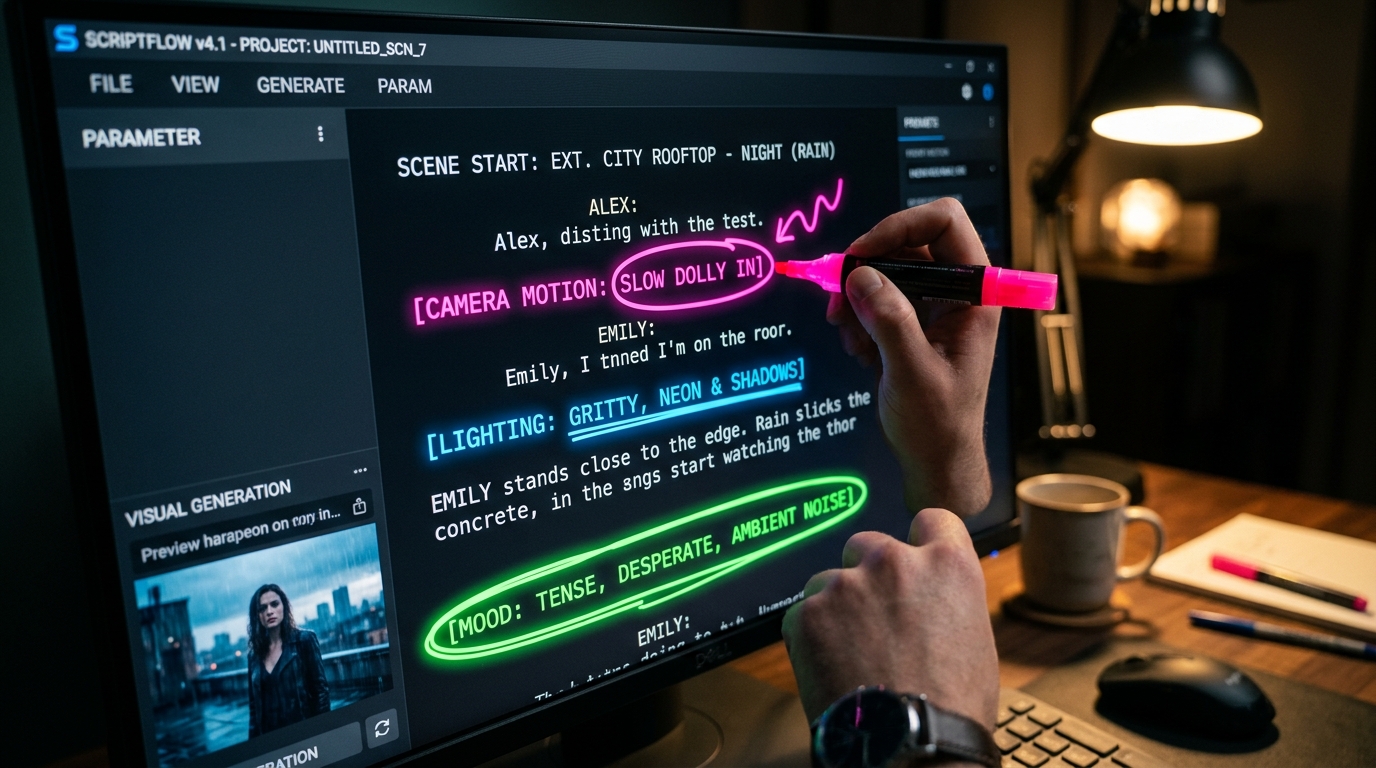
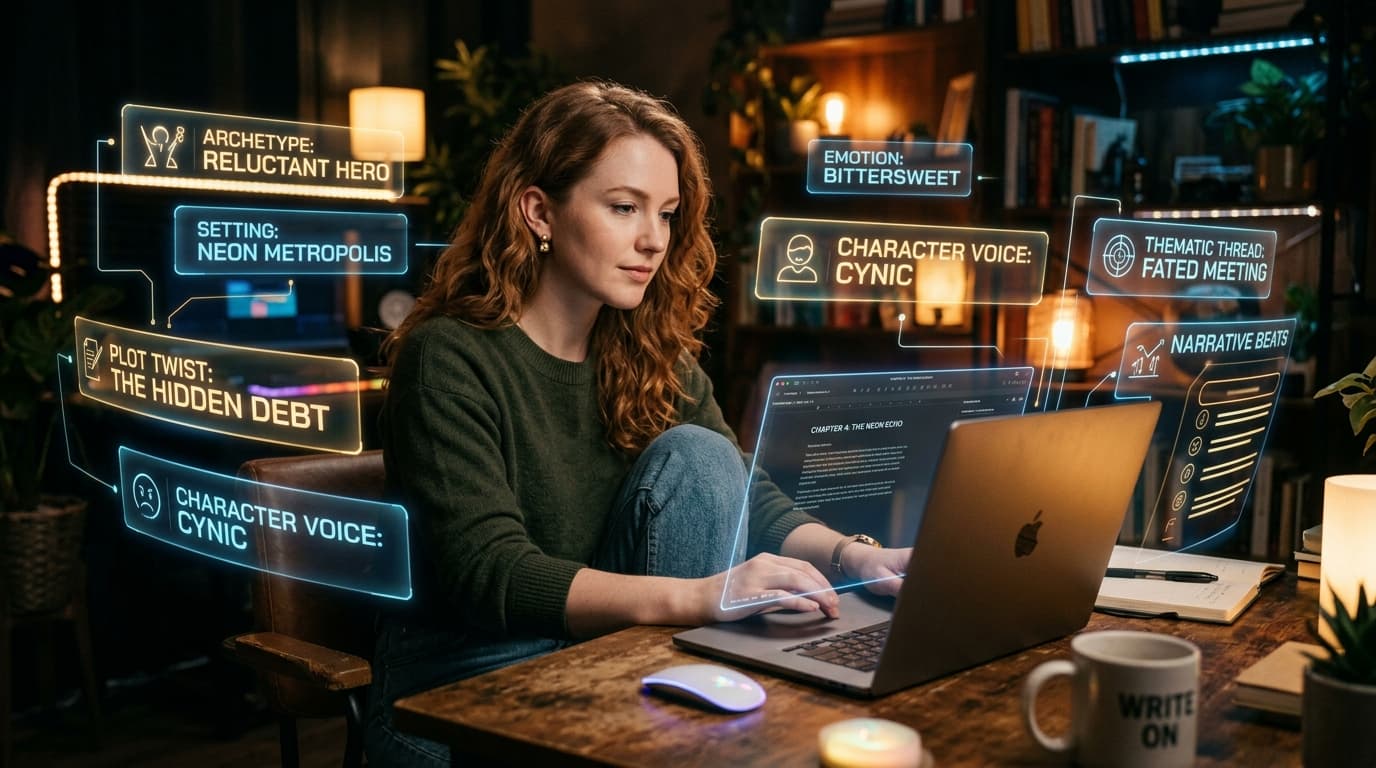
Deconstructing camera motion, lighting, and mood parameters for beginner video prompts.
15 Proven AI Video Prompts for Beginners
Here are 15 field-tested formulas across popular genres that you can copy, adapt, and run on platforms like Runway, Luma, Pika, or Kling:
Cinematic & Sci-Fi Prompts
- The Cyberpunk Drone Shot: "Cinematic drone shot flying through a neon-lit cyberpunk metropolis at midnight, flying futuristic vehicles in distance, wet reflective streets, 8k resolution, smooth forward camera motion."
- The Space Explorer: "Medium close-up of a female astronaut inside a glowing cockpit looking at a swirling nebula, soft ambient interior lights reflecting on helmet visor, slow gentle pan, 35mm film grain."
- The Ancient Discovery: "An archaeologist holding a torch walking inside an Egyptian subterranean tomb, flickering golden firelight casting long dramatic shadows, slow dolly in, photorealistic."
Nature & Wildlife Prompts
- The Misty Forest: "Sunbeams piercing through a misty redwood forest at dawn, moisture droplets falling from pine needles in slow motion, gentle camera tilt up, organic natural lighting."
- Ocean Wave Barrel: "Extreme close-up shot inside the barrel of a massive emerald ocean wave at sunset, crystalline water spray, golden light refraction, high-speed camera 120fps feel."
- Arctic Wildlife: "A majestic snowy owl taking flight from a frost-covered branch, wings spreading with ultra-crisp feather detail, soft snowfall in background, tracking shot."
Urban & Lifestyle Prompts
- Cozy Coffee Shop: "Over-the-shoulder shot of a person writing in a leather journal next to a rainy coffee shop window, steam rising gently from a ceramic mug, warm bokeh lighting."
- Night City Traffic: "Long exposure cinematic shot of urban street traffic at dusk, red and white light trails, modern skyscrapers illuminated in background, static tripod shot."
- Vintage Fashion Walk: "Full-body shot of a fashion model in a vintage 1970s trench coat walking down a Parisian cobblestone alley, autumn leaves drifting, handheld film camera motion."
Commercial & Product Prompts
- Luxury Watch Reveal: "Macro 3D render of an intricate mechanical watch mechanism with turning gold gears, soft studio rim lighting, slow 360-degree turntable rotation, pristine detail."
- Perfume Splash: "A sleek glass perfume bottle floating amidst splashing droplets of rose water and citrus slices, high-speed photography, clean pastel studio backdrop."
- Sneaker Debut: "Modern athletic running shoe levitating in mid-air, dynamic light streaks orbiting the sole, futuristic tech commercial aesthetic, smooth rotational pan."
Animation & Fantasy Prompts
- Pixar-Style Creature: "Whimsical fluffy creature with large curious eyes exploring an enchanted mushroom grove, glowing spores floating, Pixar 3D animated style, vibrant warm colors."
- Anime Rooftop Scene: "Studio Ghibli aesthetic, anime girl standing on a Tokyo school rooftop looking at puffy summer clouds, gentle breeze blowing hair, hand-drawn pastel colors."
- Fantasy Castle: "Epic aerial overview of a towering fantasy fortress built into snowy cliffside waterfalls, dragons gliding in the distant clouds, cinematic fantasy movie prologue."
Crucial Prompting Tips for Beginners
When applying these AI video prompts for beginners, keep these strategic best practices in mind:
- Keep actions singular: Do not write "he runs, then falls, then gets up and smiles." AI video engines generate 4-second windows. Describe one continuous, cohesive action per clip.
- Name the camera movement: Terms like "orbit shot," "crane down," "dolly zoom," or "static locked-off camera" prevent random warping. Explore more examples in our Prompt Library.
- Use descriptive adjectives over hype words: Instead of typing "hyperrealistic, photorealistic, best quality," specify concrete details like "volumetric fog, subsurface scattering, 35mm Eastman Kodak film stock."
Frequently Asked Questions
Can I reuse the same prompt across different video tools?
Yes! While different models interpret prompts with slight stylistic variances, the foundational syntax (subject, camera movement, lighting, style) translates seamlessly across Runway, Luma, Kling, and Pika.
How do I make my characters look consistent between clips?
Use detailed character descriptions (hair color, specific clothing, distinct facial features) or use Image-to-Video mode by generating a master character portrait in our AI Content Generator first.
Conclusion
Mastering AI video prompts for beginners removes the guesswork from generative video production. By following structured formulas that specify camera motion, lighting, and clear subjects, you can consistently produce clips that captivate your audience. Explore more tutorials in our creative blog to refine your digital storytelling skills.