Free AI Animation Generator: 7 Top Tools for 2D & 3D (2026)
- 4 min read
Introduction: The Democratization of Digital Animation
Traditional animation is notorious for being one of the most time-consuming artistic disciplines in the world. Animating just a few seconds of character motion requires hand-drawing dozens of sequential frames, managing keyframes, and spending hours on line cleanup and color fill. Fortunately, finding a capable free AI animation generator has transformed this landscape entirely.
Today, advanced AI models allow illustrators, content creators, and game developers to turn static sketches or text descriptions into fully realized 2D cartoon animations, 3D character movements, and anime sequences. In this guide, we evaluate the 7 best free AI animation generator platforms in 2026, comparing their animation styles, motion fluidity, and free tier allowances.
How Does an AI Animation Generator Differ from Regular Video AI?
While realistic video generators simulate real-world physics and camera lenses, an animation engine focuses on stylized illustration aesthetics:
- Cel Shading & Line Art: Preserving crisp character contours and hand-drawn line weights without blurry photographic noise.
- Squash and Stretch Physics: Incorporating classic Disney and anime animation principles into character motion.
- Style Versatility: Seamlessly switching between Japanese anime, Western 3D Pixar styles, retro 1930s rubber hose, and pixel art aesthetics.
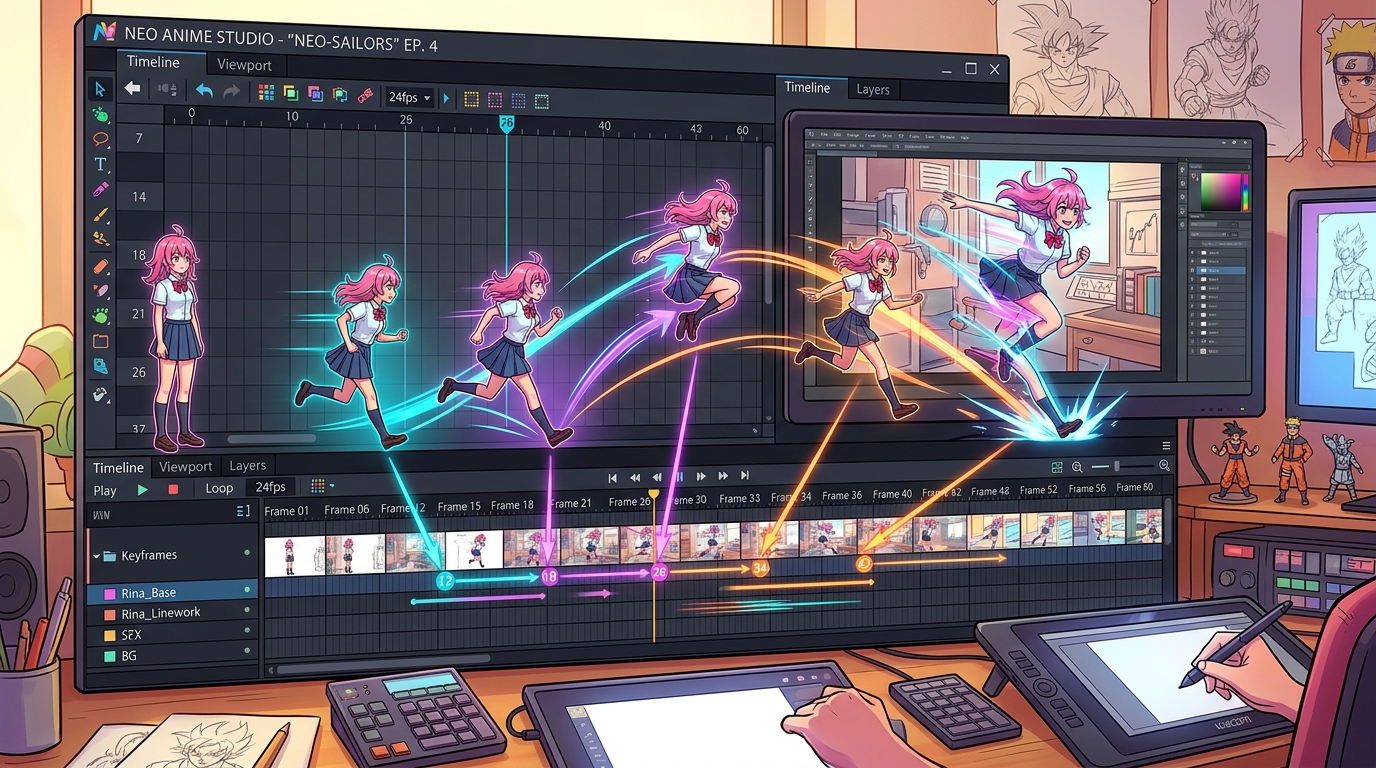
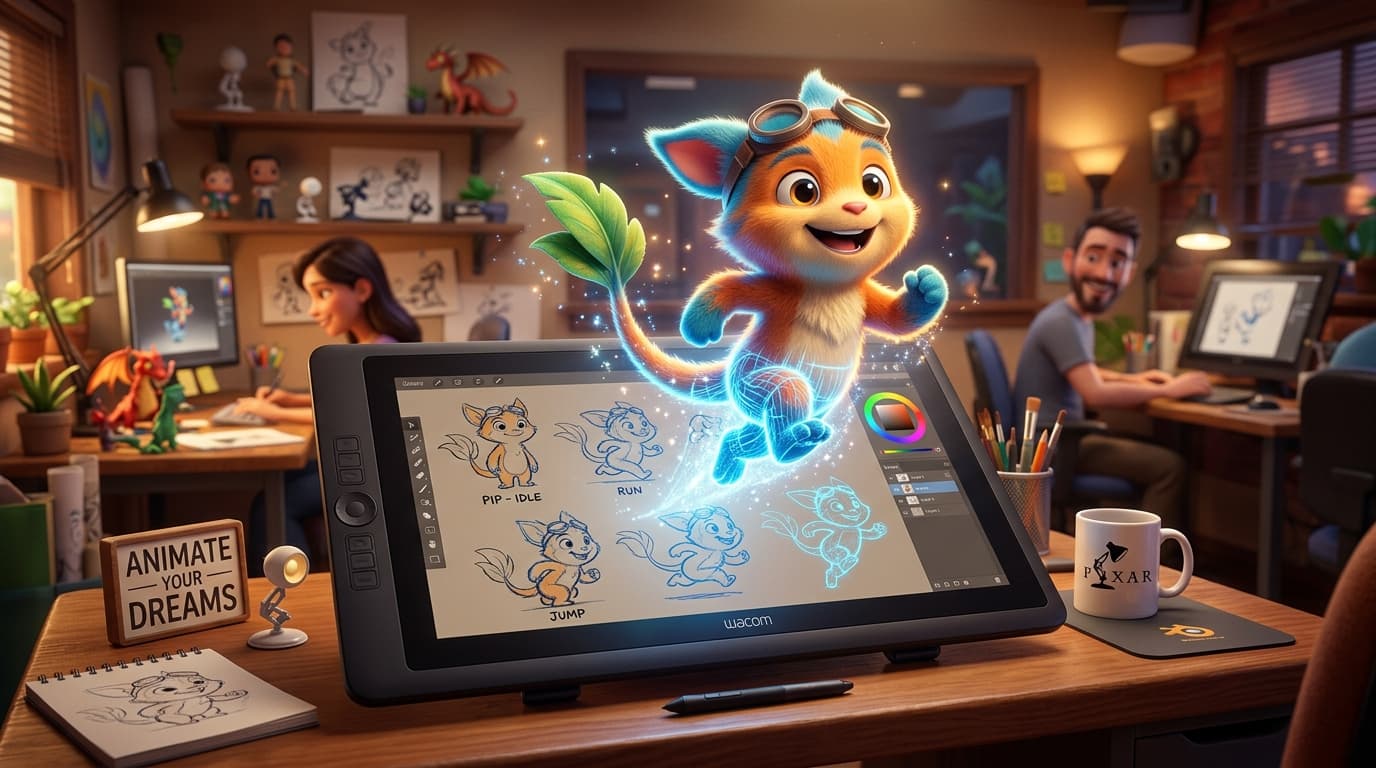
Keyframe timeline and motion vector mapping inside an AI animation studio interface.
The 7 Best Free AI Animation Generator Platforms
1. Pika 2.0 (Animation & Anime Mode)
Pika provides exceptional animation presets that allow users to generate anime-style battles, whimsical cartoon characters, and fluid 2D motion loops. Its free credit allocation allows creators to test ideas daily. Discover creative prompt phrasing in our Prompt Library.
2. Viggle AI (Character Rigging & Motion Transfer)
Viggle AI is famous for its character animation engine. By uploading a static drawing or 2D character portrait, Viggle maps motion from reference dance or action clips onto your character with surprising precision, completely for free on Discord and web.
3. Animated Drawings (Meta AI Research)
A completely free open-source tool developed by Meta that allows kids and creators to upload any hand-drawn doodle, automatically detect joints, and animate the character walking, jumping, or dancing in seconds.
4. DomoAI (Video to Anime & Cartoon)
DomoAI excels at video-to-video style transfer. You can record real-world footage on your phone and convert it into a vibrant Japanese anime sequence, papercraft art, or retro cartoon with a generous free introductory tier.
5. DeepMotion Animate 3D Free
DeepMotion captures motion from regular 2D video files and turns it into rigged 3D animation data (FBX/BVH) without requiring expensive motion capture suits. The free plan provides monthly animation tracking credits.
6. Kaiber AI (Stylized Frame Morphing)
Kaiber enables musicians and digital artists to produce surreal animated music videos with continuous keyframe transformations and reactive audio reactivity, featuring a free trial for new users.
7. Live3D Animation Suite
Tailored for VTubers and anime creators, Live3D provides free anime avatar animation and lip-sync tools right in your web browser.
Comparison of AI Animation Tools
| Tool | Animation Style | Best For | Free Access |
|---|---|---|---|
| Pika 2.0 | Anime, 3D Cartoon | Text-to-Animation clips | Daily free credits |
| Viggle AI | Character Puppetry | Meme & dance animation | Free web & Discord tier |
| Animated Drawings | 2D Doodles & Sketches | Beginner & kids doodles | 100% Free Open Tool |
| DomoAI | Video to Anime | Stylized rotoscoping | Free trial tier |
Tips for Getting Clean Animated Motion
To avoid melted lines and jittery artifacts when using a free AI animation generator, adopt these tested techniques:
- Specify the artistic style clearly: Use specific terms like "Studio Ghibli 2D anime," "Pixar 3D CGI render," or "vintage 1990s cel animation."
- Keep character designs simple: Overly intricate costumes with dozens of belts, jewelry, or complex patterns can morph between frames. Stick to bold, clean color blocks.
- Draft concepts first: Generate and perfect your character's still portrait using our AI Content Generator before animating the movement.
Frequently Asked Questions
Can I create full animated cartoon episodes with free AI tools?
Yes, by breaking your story down into individual 3- to 5-second animated shots and assembling them in a free editor like DaVinci Resolve or CapCut with background voiceovers and sound effects.
Do I need drawing skills to use these tools?
Not at all! These platforms operate either via text prompts or by animating still pictures, removing the barrier of manual drawing entirely.
Conclusion
Using a free AI animation generator makes creating cartoons, anime, and stylized 3D shorts faster and more accessible than ever before. By combining the right tool with clear artistic prompts, you can bring any illustrated character to life on screen. Read more creative guides in our articles section to discover the future of digital art.