Free AI Video Generator Online: 9 Top Free Platforms in 2026
- 4 min read
Introduction: Browser-Based AI Video Creation for Free
Finding a dependable free AI video generator online used to mean settling for choppy animations, heavy watermarks, and strict payment paywalls. However, recent breakthroughs in serverless neural processing have opened the doors to generous free tiers right in your web browser. Now, anyone with an internet connection can produce creative video clips without spending a dime or buying expensive computer hardware.
Whether you are a student, hobbyist, or startup entrepreneur, a free AI video generator online gives you the power to test scripts, create product mockups, and generate social media reels on demand. In this guide, we review the 9 best free platforms in 2026 that let you generate videos online with real free tiers.
Why Use a Web-Based AI Video Generator?
Local video generation tools like Stable Video Diffusion require powerful GPUs with at least 16GB of VRAM and tedious terminal configuration. A cloud-based free AI video generator online solves these technical bottlenecks:
- Zero Hardware Requirements: Cloud servers render the clips, meaning you can generate videos from a lightweight laptop or mobile phone.
- Instant Web Access: No downloads or large model checkpoint files required; simply open your browser and start creating.
- Daily Renewable Credits: Top free platforms provide daily credit allowances so you can continue creating week after week.
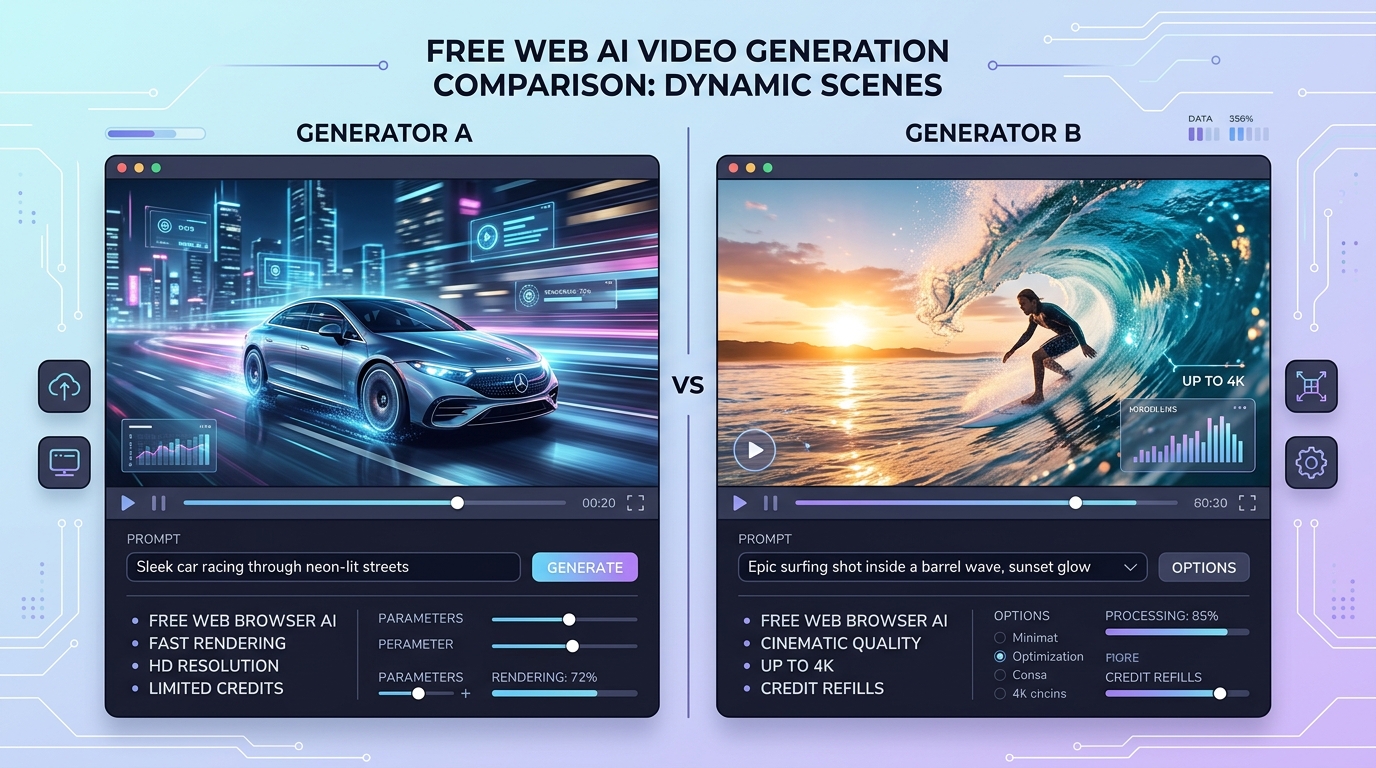
Feature comparison of top web browser based AI video tools rendering high quality clips.
The 9 Best Free AI Video Generator Online Platforms
1. Kling AI Web Free Tier
Kling AI provides daily sign-in credits that allow free users to generate multiple HD video clips each day. The web interface is clean, supports text and image inputs, and delivers impressive temporal consistency.
2. Luma Dream Machine Free
Luma AI offers approximately 30 free generations per month on their web portal. It is widely considered one of the fastest browser-based engines for realistic camera motion and lighting simulation.
3. Pika Online Free Plan
Pika provides 30 daily credits that refresh automatically. Free users can access text-to-video, image-to-video, and custom aspect ratios directly on the web app. Explore prompting ideas in our Prompt Library.
4. Haiper AI Free Web Suite
Haiper gives free users access to both 2-second and 4-second video generation modes with fast queue times. It is particularly popular for generating stylized motion and dynamic product shots.
5. Leonardo AI Motion
Leonardo AI grants 150 daily tokens on its free tier. While originally known for image generation, its Motion feature converts existing still images into moving video loops with ease.
6. Canva Magic Media Video
Canva integrates free text-to-video capabilities powered by Runway directly inside its web editor. Free Canva accounts receive monthly video generation credits ideal for social media templates.
7. CapCut Online AI Video Tools
CapCut's browser-based creative suite includes free AI script-to-video tools. It combines AI stock footage generation with automated subtitles and trending background audio.
8. Viggle AI Web
Viggle AI enables character replacement and motion transfer directly on the web. You can take any character image and animate it following a reference dance or action video for free.
9. NeuralFrame Free Explorer
A web-based creative platform tailored for music visualizers and surreal AI video loops, offering a free trial tier for digital artists.
Feature Comparison of Free Video Generators
| Platform | Free Credit System | Watermark | Export Quality |
|---|---|---|---|
| Kling AI | Daily login bonus | Small discreet badge | 720p HD |
| Luma Dream Machine | ~30 generations/month | Bottom corner badge | 720p HD |
| Pika Online | 30 credits daily | Corner logo | 720p HD |
| Haiper AI | Daily allowances | Subtle watermark | 720p HD |
How to Maximize Your Free Generation Credits
To get the greatest value out of every free AI video generator online, adopt these strategic workflow practices:
- Refine your prompts beforehand: Avoid burning credits on vague prompts. Draft your descriptive text in our AI Content Generator before submitting it to the video engine.
- Use Image-to-Video when possible: Generating video from an existing high-quality image provides much higher visual accuracy than pure text, reducing wasted credits.
- Rotate platforms: By maintaining accounts across 3 to 4 free platforms, you can harvest daily credits and generate dozens of video clips weekly without paying subscription fees.
Frequently Asked Questions
Do free AI video platforms require credit card details?
None of the platforms highlighted above require credit card information to sign up for their free credit allowances. You can sign in via Google or email and begin generating immediately.
Can I remove watermarks on free accounts?
Most free tiers include a small corner watermark. You can crop 16:9 videos slightly in free editors or upgrade to entry-level creator tiers if you require clean, unbranded exports.
Conclusion
Leveraging a free AI video generator online has made dynamic visual production accessible to everyone. By utilizing daily refill credits and pairing them with structured prompts, creators can produce compelling videos on zero budget. Check out more production guides in our blog archive to level up your video creation skills.