How to Create AI Videos for YouTube Shorts: 8 Easy Steps (2026)
- 4 min read
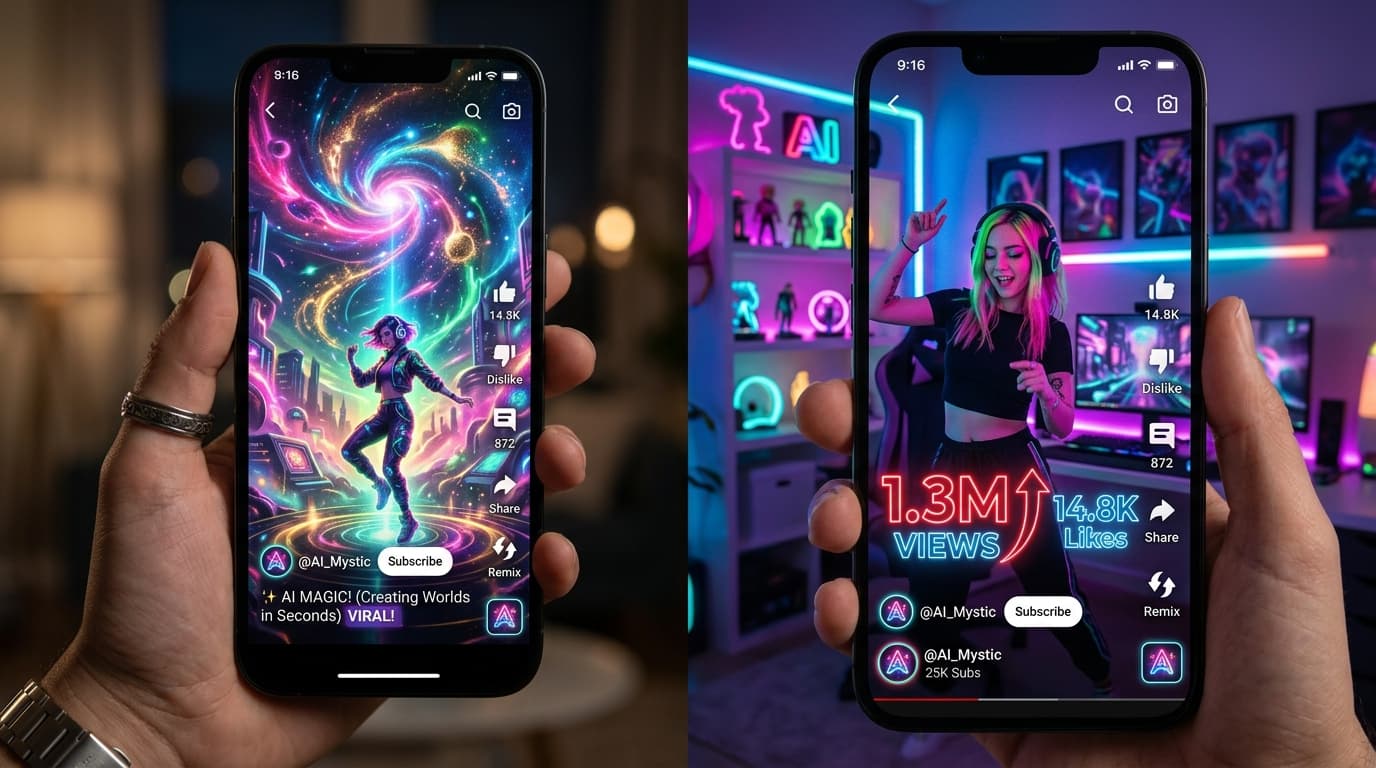
Introduction: Dominating the Vertical Video Economy
Learning how to create AI videos for YouTube Shorts has become one of the fastest avenues for growing an online audience, building an automated niche channel, or driving traffic to your digital business. YouTube Shorts generates billions of views daily, and the algorithm favors compelling, fast-paced vertical storytelling that retains viewers from the first second.
Historically, producing daily vertical videos required filming on camera, manual video editing, recording voiceovers, and typing out subtitles. Today, by combining AI scriptwriters, generative video models, and automated captioning engines, you can produce a batch of viral-ready Shorts in under an hour. In this comprehensive step-by-step tutorial, we show you exactly how to create AI videos for YouTube Shorts from scratch.
Why YouTube Shorts is the Ultimate Format for AI Creators
Short-form vertical video aligns perfectly with artificial intelligence video generation capabilities for several reasons:
- Short Generation Windows: AI video generators excel at 4- to 10-second scenes. Because Shorts thrive on rapid scene transitions every 3 to 5 seconds, stitching short AI clips together feels dynamic and intentional.
- High Algorithmic Reach: New channels can reach millions of views on Shorts without an existing subscriber base, making it ideal for experimental AI channels.
- Fast Turnaround: You can create and publish 1 to 3 Shorts daily without suffering from creative burnout.
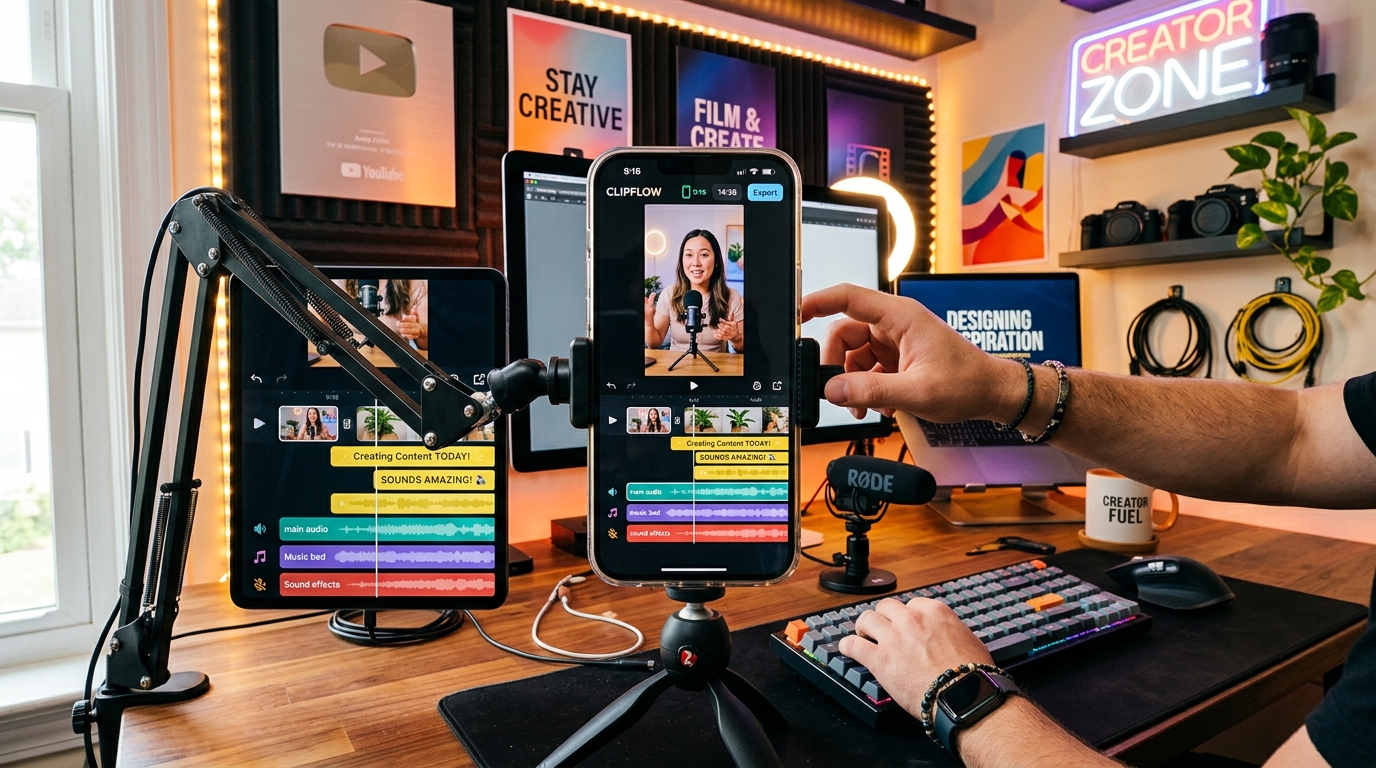
Complete vertical video editing setup for creating high-retention YouTube Shorts with AI.
8 Steps: How to Create AI Videos for YouTube Shorts
Step 1: Choose a High-Retention Niche
The most successful AI-driven Shorts channels focus on niches with strong curiosity gaps:
- Historical mysteries and untold stories
- Futuristic technology and space exploration
- Psychology facts and human behavior riddles
- Mythology, folklore, and fantasy lore
- Stoic philosophy and inspirational life advice
Step 2: Generate a Hook-Driven Script
The first 3 seconds of a Short determine whether viewers stay or swipe away. Use our AI Content Generator to create a 50- to 60-word script structured with a strong curiosity hook, 3 interesting factual points, and a concluding call to action.
Step 3: Record a Natural AI Voiceover
Generate an engaging voiceover using tools like ElevenLabs or Play.ht. Choose a voice tone that matches your genre—such as a deep cinematic narration for history or a fast-paced energetic tone for tech facts.
Step 4: Generate 9:16 Vertical Video Clips
Now comes the visual core of how to create AI videos for YouTube Shorts. Open your favorite AI video tool (such as Runway, Luma Dream Machine, or Kling AI) and select the 9:16 vertical aspect ratio. Generate 4 to 6 separate visual clips that match the narrative beats of your script. Find inspiration in our Prompt Library.
Step 5: Assemble Your Timeline in a Video Editor
Import your voiceover audio and visual clips into a video editor such as CapCut, DaVinci Resolve, or Premiere Pro. Trim each clip to 3–4 seconds to maintain a rapid visual rhythm that keeps viewer eyes glued to the screen.
Step 6: Add Animated Dynamic Captions
Over 70% of viewers watch Shorts with sound muted or at low volume. Use auto-caption tools in CapCut or Submagic to generate bold, highlighted captions (e.g., yellow and green text with subtle pop animations) placed right in the center of the frame.
Step 7: Layer Ambient Sound Effects and Music
Subtle sound design elevates an amateur AI video into a viral production. Add low cinematic whooshes on scene cuts, paper rustles, or tech digital beeps alongside trending copyright-free background music.
Step 8: Export and Optimize for YouTube Algorithm
Export your video in 1080x1920 resolution at 60fps. When uploading to YouTube, craft an intriguing title under 50 characters, include relevant hashtags (e.g., #Shorts #History #AI), and select an eye-catching video frame as your mobile thumbnail.
YouTube Shorts Production Checklist
| Component | Recommended Target | Why It Matters |
|---|---|---|
| Video Length | 30 to 45 seconds | Highest algorithmic completion rate |
| Scene Duration | 2.5 to 3.5 seconds per cut | Prevents visual stagnation |
| Aspect Ratio | 9:16 (1080x1920) | Full smartphone display coverage |
| Caption Placement | Middle third of screen | Avoids YouTube UI button overlays |
Pro Strategies for Viral Retention
- Create a Seamless Loop: Write the ending of your script so that it naturally flows right back into the opening sentence. When the video loops seamlessly, viewers often watch it twice, boosting your retention rate above 100%!
- Avoid Text Clutter in the Bottom 20%: YouTube overlays channel names, sound titles, and subscribe buttons in the bottom quarter of the screen. Keep all vital visual elements and captions higher up.
Frequently Asked Questions
Can YouTube channels with AI videos get monetized in 2026?
Yes! YouTube welcomes AI-generated content provided it delivers original educational or entertainment value, adheres to community guidelines, and does not impersonate real individuals without disclosure.
How many Shorts should I post daily?
Starting with 1 high-quality Short per day is the sweet spot. Consistency matters far more than spamming 5 low-effort videos that get zero traction.
Conclusion
Understanding how to create AI videos for YouTube Shorts opens up immense potential for content creators looking to build an audience quickly. By streamlining your workflow—from scriptwriting to vertical video generation and animated subtitles—you can produce viral-ready Shorts consistently. Discover more creator strategies in our articles section to keep scaling your digital presence.