How to Make AI Story Videos: 6 Proven Steps from Script to Screen (2026)
- 4 min read
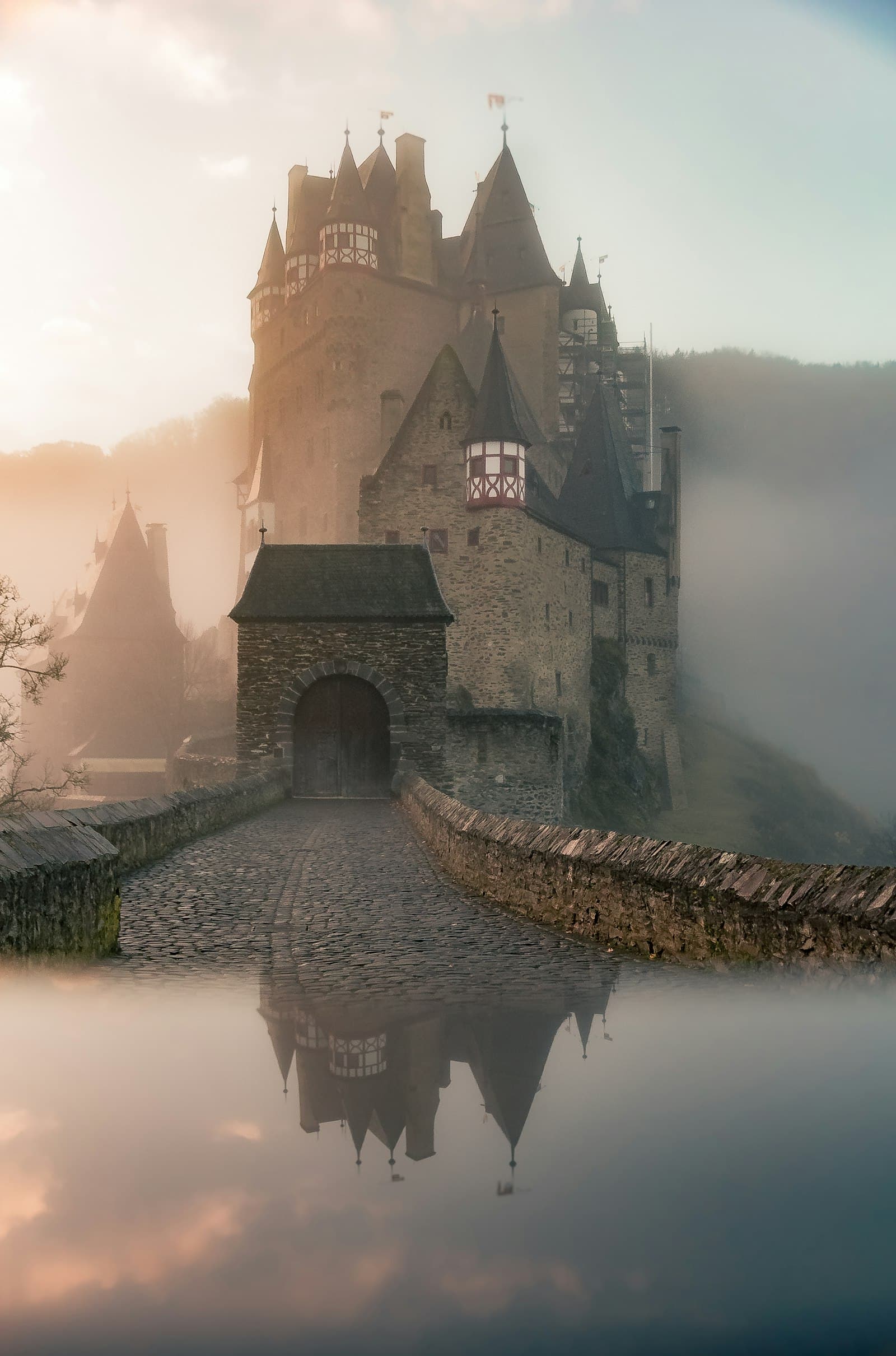
Introduction: The New Era of AI Narrative Filmmaking
Storytelling is the heart of cinema, literature, and digital media. In recent months, learning how to make AI story videos has empowered solo creators to produce cinematic short films, animated folklore, and compelling historical documentaries that previously required multi-million-dollar studio budgets and dozens of crew members.
However, producing a true narrative video is vastly different from generating a single random 5-second video clip. A story requires emotional arcs, character consistency across multiple scenes, synchronized voiceovers, and deliberate pacing. In this definitive step-by-step masterclass, we guide you through the exact 6-step pipeline for how to make AI story videos that engage and move audiences.
The Challenges of AI Storytelling (And How to Overcome Them)
Before launching your project, understanding the common hurdles in AI storytelling will save you hours of trial and error:
- Character Consistency: Generative models want to create a brand-new face every time you generate a scene. We solve this using seed locking and Image-to-Video reference framing.
- Pacing and Narrative Flow: Random clips feel disjointed. Building a structured scene-by-scene storyboard ensures each shot advances the plot logically.
- Audio and Emotional Synchronization: Visuals alone cannot carry a story. Emotionally nuanced voiceovers and atmospheric soundscapes provide the emotional glue.
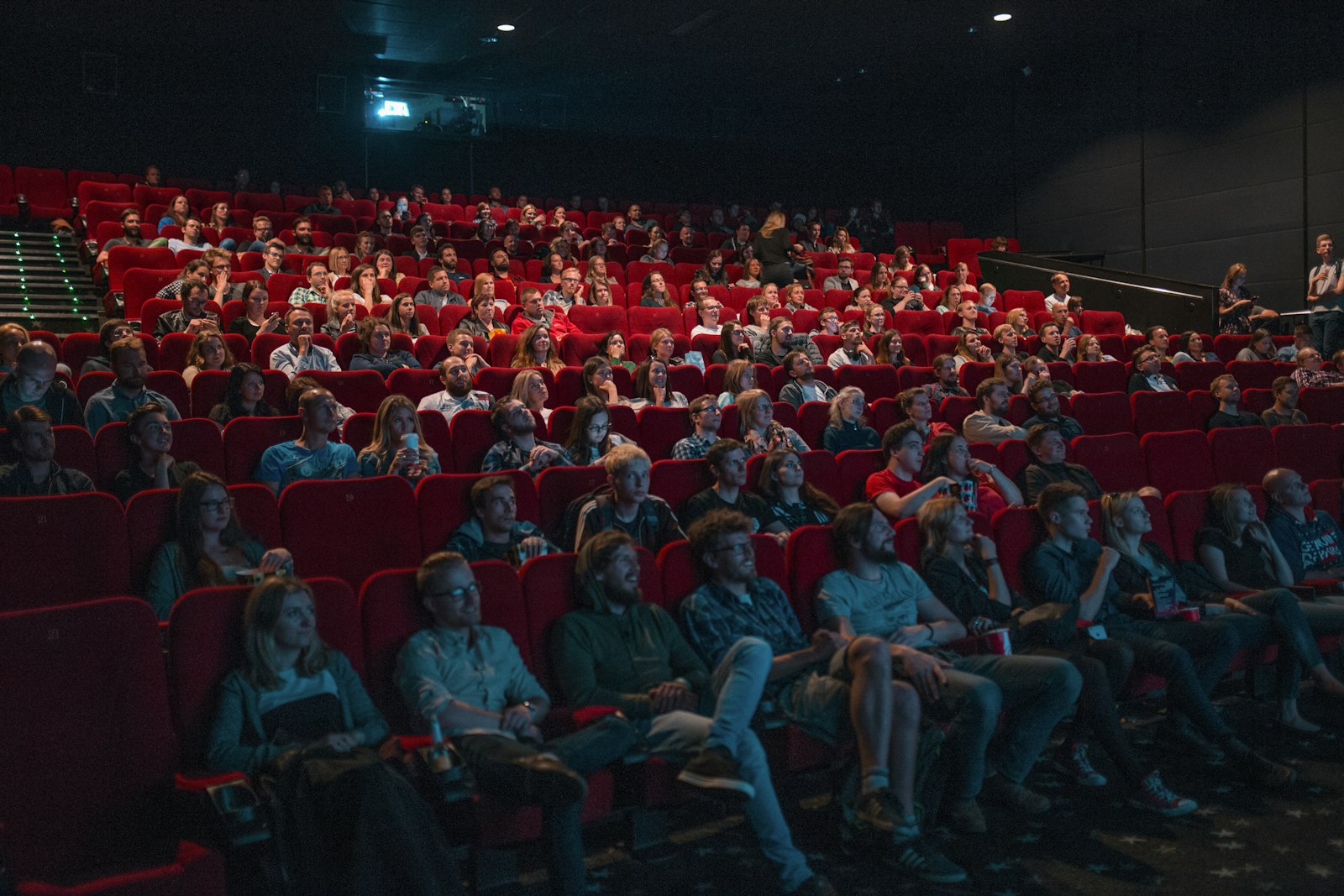
Structuring a multi-scene cinematic storyboard for cohesive narrative storytelling.
6 Proven Steps: How to Make AI Story Videos
Step 1: Write a Compelling Scene-by-Scene Script
Every legendary film begins with a tight script. Break your story into a classic three-act structure:
- Act I (Setup & Hook): Introduce the protagonist, setting, and the inciting incident that disrupts their world.
- Act II (Confrontation & Rising Action): The character faces escalating obstacles and challenges.
- Act III (Climax & Resolution): The peak emotional confrontation and meaningful resolution.
Use our AI Content Generator to draft your narrative beats and break the dialogue into concise 5-second visual chunks.
Step 2: Lock Down Character Reference Sheets
To keep your protagonist looking identical across 15 different scenes, generate a master character turnaround image (front view, side profile, expressions) against a neutral background. Save this master image and use it as your visual input anchor across all generation passes.
Step 3: Generate Scene Visuals with Image-to-Video
This is the core secret of how to make AI story videos with cinematic consistency: never use pure text prompts for complex narratives. Instead, create keyframe still images for each scene first, then feed each still into video engines like Runway Gen-3, Luma Dream Machine, or Kling AI to add gentle, controlled motion. Find prompt inspiration in our Prompt Library.
Step 4: Produce Emotional AI Voice Acting
A monotone robot voice destroys audience immersion. Use advanced voice synthesis engines (such as ElevenLabs) with emotional parameters adjusted for narrative pauses, whispers, urgency, and dramatic cadence. Export individual voice lines cleanly labeled by scene number.
Step 5: Edit the Timeline with Narrative Pacing
Import your voice tracks, video shots, and Foley sound effects into DaVinci Resolve or Premiere Pro:
- Cut on action: Transition between shots when a character moves or turns.
- Match camera direction: If character moves left-to-right in shot A, maintain that directional momentum in shot B.
- Let key moments breathe: Do not rush emotional beats; hold on meaningful reaction shots for 3 to 4 seconds.
Step 6: Sound Design, Color Grading & Export
Audio represents 50% of the cinematic experience. Layer subtle ambient room tones (e.g., wind whistling, quiet crickets, rain against windows), dynamic musical score swells, and dialogue equalization. Apply a cohesive color grading LUT across all clips to unify their color palette, then export in 4K resolution.
The AI Story Video Production Pipeline
| Stage | Recommended Tools | Key Objective |
|---|---|---|
| 1. Script & Storyboard | ChatGPT / Gemini / AI Tools | Tight narrative arc & scene breakdown |
| 2. Character Reference | Midjourney / Flux | Visual consistency across facial traits |
| 3. Video Generation | Runway Gen-3 / Luma / Kling | Controlled cinematic motion |
| 4. Voice & Sound | ElevenLabs / Epidemic Sound | Emotional immersion & atmospheric depth |
Pro Filmmaking Tips for AI Storytellers
- Vary your shot scales: Mix wide establishing shots with medium conversational shots and intimate macro close-ups of eyes or hands. A story told entirely in medium shots becomes monotonous quickly.
- Keep camera motion purposeful: Do not add wild drone loops unless the story calls for it. Steady, deliberate dolly moves feel substantially more expensive and cinematic.
Frequently Asked Questions
How long should my first AI story video be?
Aim for 60 to 90 seconds (approximately 10 to 15 shots) for your first project. This allows you to master character consistency and pacing without becoming overwhelmed by rendering hundreds of clips.
Can I submit AI story videos to film festivals?
Yes! An increasing number of international film festivals (including Runway AI Film Festival and specialized new media categories) actively celebrate and reward AI-assisted narrative films.
Conclusion
Mastering how to make AI story videos allows anyone with imagination and perseverance to become a visionary director. By honoring the timeless principles of storytelling—compelling arcs, consistent characters, and rich audio design—you can create cinematic worlds that mesmerize viewers. Explore more storytelling techniques in our articles section to start producing your next film.