AI Faceless Video Generator: Create Videos Without Showing Your Face
- 12 min read
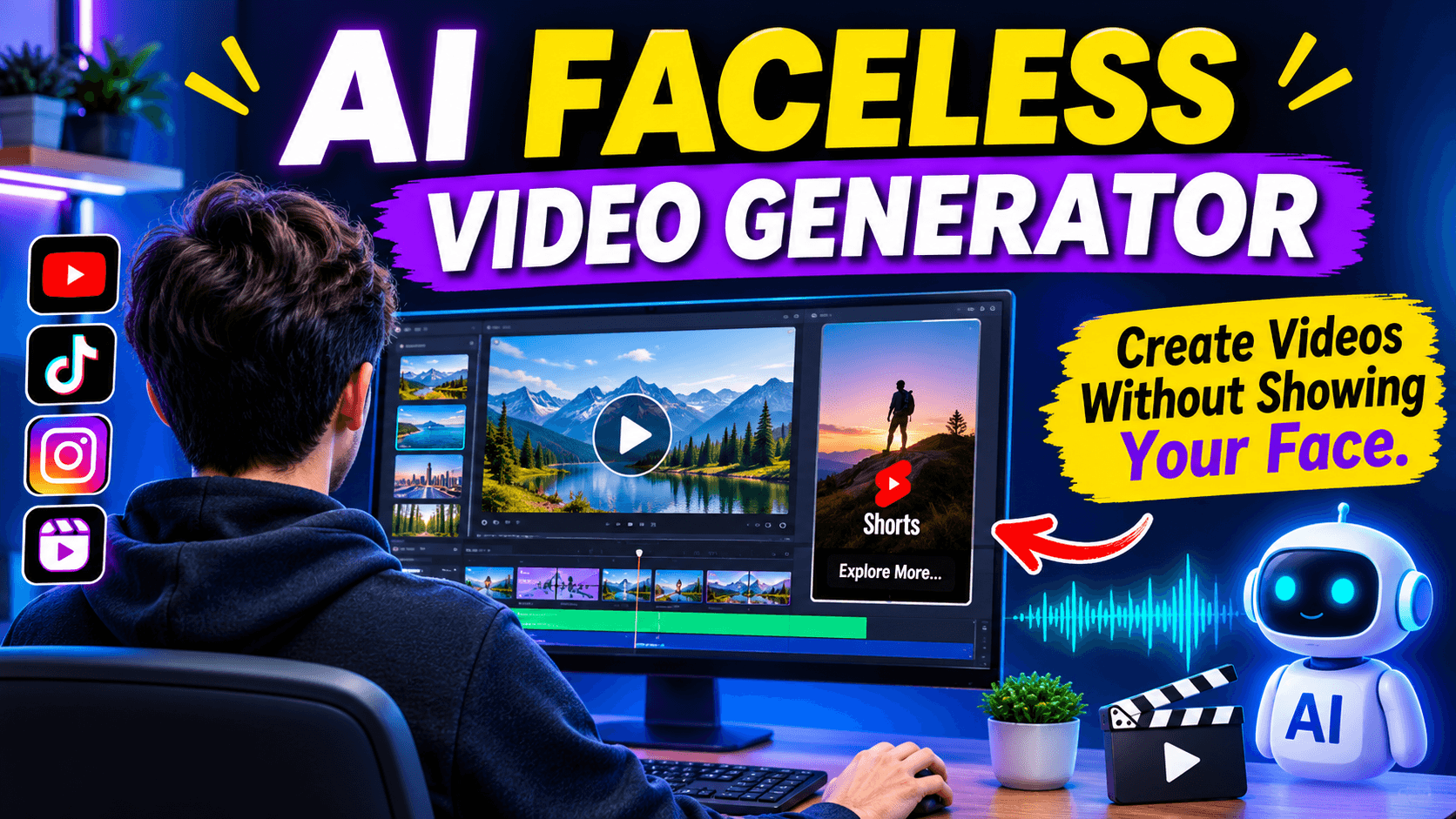
Creating videos no longer requires an expensive camera, professional studio, or even appearing in front of the camera. An AI faceless video generator makes it possible to turn simple ideas, written scripts, and text prompts into complete videos using artificial intelligence.
These tools are becoming useful for YouTube creators, social media marketers, educators, bloggers, and people who want to start a video channel without revealing their identity. Instead of recording yourself, you can use AI generated visuals, voiceovers, subtitles, background music, and animations to tell your story.
Whether you want to create YouTube Shorts, Instagram Reels, TikTok videos, or longer educational content, AI video creation tools can reduce the time and effort involved.
In this guide, you will learn how an AI faceless video generator works, how to create your first video, which features matter, and how to make videos that people actually want to watch.
What Is an AI Faceless Video Generator?
An AI faceless video generator is an online tool that uses artificial intelligence to create videos without requiring the creator to appear on camera.
You provide a topic, written script, or text prompt. The tool then uses AI technology to develop video scenes, select visuals, generate voiceovers, add subtitles, and arrange different elements into a video.
For example, suppose you want to create a YouTube video about the five most beautiful places in the world. You can enter this topic into an AI video generator. Depending on the tool, it may generate a script, add travel related visuals, create narration, and arrange the scenes into a complete video.
You can then review the result, make changes, and export it for your preferred platform.
The main purpose is to make video production easier for people who do not have editing experience or do not want to record themselves.
How Does an AI Faceless Video Generator Work?
Most AI faceless video makers follow a similar process. However, the available features depend on the platform.
Here is how the process usually works.
1. Enter Your Video Topic
Start by choosing what you want to create. It could be an educational video, motivational story, product explanation, historical fact, or short entertainment clip.
Some tools accept a simple topic, while others allow you to provide a complete script.
2. Generate a Script
Many AI video platforms can help write a script based on your topic. The script provides the structure of your video and explains what viewers will see or hear.
A good script should have an interesting opening, useful information, and a clear ending.
Always review AI generated scripts before using them. Check facts, remove repeated sentences, and make the language sound natural.
3. Create Visual Scenes
After preparing the script, the tool develops scenes to match the story.
Depending on its capabilities, it may use stock footage, AI generated images, animations, or generated video clips.
For example, a video about space exploration may include planets, spacecraft, stars, and other related visuals.
4. Add AI Voiceovers
Voiceovers help explain the information without requiring you to record your own voice.
Many platforms provide different AI voices, accents, languages, and speaking styles. You can choose a voice that matches the subject and audience of your video.
Some tools also support text to speech, allowing you to convert your own script into spoken audio.
5. Add Subtitles and Background Music
Subtitles make videos easier to follow, especially when people watch without sound.
Background music and sound effects can also improve the overall presentation. However, music should not be louder than the narration.
6. Edit and Export Your Video
The final step is reviewing the video. Check the scenes, spelling, narration, subtitles, transitions, and video timing.
Once everything looks correct, export the video in a format suitable for your platform.
How to Create a Faceless Video Using AI
You do not need advanced editing knowledge to get started. Follow these steps to create your first AI generated faceless video.
Step 1: Choose a specific topic
Select a topic that has value for your intended audience. Avoid covering too many unrelated subjects in one video.
For example:
- Interesting facts about animals
- History explained in simple words
- Personal finance education
- Technology tutorials
- Motivational stories
- Travel destinations
Step 2: Prepare your script
Write a short and clear script. For a YouTube Short, focus on one main idea and remove unnecessary details.
For a longer video, divide the script into sections so each part has a clear purpose.
Step 3: Open an AI faceless video tool
Choose a platform that supports the video format you need. Some tools focus on short social media clips, while others offer longer video creation and more detailed editing.
Step 4: Generate your video
Enter your script or topic and select the available visual style, voice, and other settings.
Allow the AI to create the first version of your video.
Step 5: Review every scene
Do not publish the first result without checking it. Sometimes AI selects visuals that do not match the narration or creates unnatural transitions.
Replace unsuitable scenes and adjust the timing where needed.
Step 6: Export and publish
Choose the correct aspect ratio and resolution for your platform. Add a suitable title, description, and thumbnail before publishing.
Best Types of Videos to Create Without Showing Your Face
An AI faceless video generator can support different content styles. The best choice depends on your knowledge, audience, and publishing goals.
Educational Videos
Educational content is useful for explaining complicated topics in simple language. You can create videos about science, technology, history, geography, and general knowledge.
Use clear narration and visuals that directly support the information.
YouTube Shorts
Short videos are useful for sharing quick facts, interesting stories, tips, and tutorials.
A good Short should introduce its main idea quickly. Avoid long introductions because viewers may leave before reaching the useful part.
Motivational Videos
Motivational content can combine narration, background footage, subtitles, and music.
You can create original motivational messages about learning, discipline, personal growth, and everyday challenges.
Documentary Style Videos
Documentary videos explain real events, people, places, and subjects through narration and visual storytelling.
AI tools can help organize scenes and create supporting visuals. However, historical and factual details should always be checked.
Product Review Videos
You can create product explanation videos without appearing on camera. Show product images, demonstrations, features, and comparisons while narration explains the details.
Use genuine product information and avoid presenting AI generated product demonstrations as real footage.
Storytelling Videos
Stories are another useful format for faceless channels. You can create fictional stories, mystery videos, short adventures, and educational storytelling content.
Consistent characters, suitable backgrounds, and clear narration can make these videos more engaging.
Best AI Faceless Video Generator Features to Look For
Not every AI video maker offers the same experience. Before choosing a tool, understand which features are important.
Feature | Why It Matters |
|---|---|
Text to video | Converts written ideas into video scenes |
AI script writer | Helps prepare video scripts |
AI voice generator | Creates narration without recording |
Automatic subtitles | Makes content easier to follow |
Scene editing | Allows changes to individual scenes |
Multiple languages | Helps create content for different audiences |
Vertical video support | Useful for Shorts and Reels |
HD export | Provides better video quality |
Commercial usage rights | Helps clarify how generated content can be used |
Also check generation limits, export restrictions, watermarks, subscription costs, and licensing terms before selecting a paid plan.
Popular AI Faceless Video Creation Tools
There are several platforms that help creators produce videos without appearing on camera. The following tools offer different approaches to AI video creation.
Faceless.video
Faceless.video focuses on automated faceless social media channels. Its platform promotes AI agents that help creators produce and publish videos across platforms such as YouTube, TikTok, and Instagram.
It may be worth exploring if your main goal is to manage a faceless social media channel with less manual work.
InVideo AI
InVideo offers an AI faceless video generator that helps turn ideas and scripts into video scenes.
Its workflow includes script development, visual creation, narration, captions, sound effects, and editing. It is useful for creators who want to build different types of videos and make changes before publishing.
Canva
Canva provides an AI faceless video creation experience alongside its broader video editing and design features.
It supports creative visual content, text based videos, and social media designs. Its editing environment can also help creators resize content for different platforms.
Crreo AI
Crreo AI focuses on text to video creation, including longer faceless videos.
Its features include AI voices, character consistency, scene controls, subtitles, and thumbnail creation. It can be useful for educational videos, commentary, tutorials, and storytelling.
Which one should you choose?
There is no single best platform for every creator. If you want more automation, explore Faceless.video. If you need script based editing, consider InVideo. If you prefer a design focused environment, look at Canva. For longer videos and character based storytelling, explore Crreo AI.
Compare their current plans and test the available features before paying for a subscription.
Tips for Creating Better AI Faceless Videos
Generating a video is only one part of the process. The quality of your idea, script, visuals, and editing also affects the final result.
Here are some practical ways to improve your content.
Start with a strong opening: Give viewers a reason to continue watching. Introduce an interesting question, fact, or problem within the first few seconds.
Keep your narration natural: Avoid robotic sounding sentences and unnecessary words. Write as if you are explaining something to another person.
Use relevant visuals: Every scene should support the information being discussed. Random clips can make an otherwise good video confusing.
Add readable subtitles: Use clear fonts, suitable text sizes, and good contrast. Keep subtitles synchronized with the voiceover.
Maintain a consistent style: Use similar colors, fonts, narration styles, and visual themes across your videos.
Check copyright and licensing: Make sure your music, images, footage, and other assets are permitted for your intended use.
Review AI generated information: Artificial intelligence can produce incorrect facts or misleading visuals. Verify important details before publishing.
Focus on viewers rather than quantity: Publishing more videos does not automatically lead to more views. Useful information and good storytelling should remain your priority.
Common Mistakes to Avoid When Using AI Video Generators
Many beginners expect AI to handle the entire creative process. This can lead to videos that look similar to thousands of other uploads.
Avoid these common mistakes:
- Publishing AI generated scripts without checking their accuracy.
- Using unrelated stock footage in every scene.
- Choosing unnatural voices that are difficult to understand.
- Adding too many effects and transitions.
- Ignoring subtitles and sound quality.
- Copying other creators' scripts and video ideas.
- Using copyrighted music without permission.
- Publishing videos with misleading titles or thumbnails.
The best approach is to use AI as a production assistant rather than allowing it to make every creative decision.
Can You Create YouTube Shorts Without Showing Your Face?
Yes. You can create YouTube Shorts without showing your face by combining AI generated visuals, narration, subtitles, and background music.
For example, you could make a 30 second video about an interesting science fact.
Start with a question, explain the fact in a few short sentences, add relevant visuals, and finish with a memorable line.
Vertical video is generally the preferred format for Shorts. Keep your message focused and make sure the text is easy to read on a mobile screen.
You can also reuse suitable content ideas for Instagram Reels and TikTok, but check each platform's format, music, and publishing requirements.
Is an AI Faceless Video Generator Free?
Some AI faceless video generators provide free access, trial credits, or limited features. However, free access does not always include unlimited video generation.
Depending on the platform, you may encounter restrictions such as:
- Limited monthly video credits.
- Watermarks on exported videos.
- Restricted video length.
- Lower export resolution.
- Limited AI voice options.
- Paid access to advanced editing features.
Before choosing a free tool, check its current pricing page and understand what is included in the free version.
If you are just starting, a free trial or limited plan can help you test the quality before spending money.
Frequently Asked Questions
1. What is the best AI faceless video generator?
The best tool depends on your requirements. Faceless.video focuses on channel automation, InVideo offers script based video creation, Canva combines AI video creation with design features, and Crreo AI supports longer video generation and consistent characters.
2. Can I make faceless YouTube videos with AI?
Yes. You can use AI tools to create scripts, visuals, voiceovers, subtitles, and complete video drafts without appearing on camera. You should review and edit the content before publishing.
3. Do I need editing skills to create AI faceless videos?
No advanced editing skills are required for many beginner friendly tools. However, basic editing knowledge helps you improve scene timing, audio quality, subtitles, and transitions.
4. Can AI generate videos from text?
Yes. Text to video tools can turn written prompts or scripts into video content. The results depend on the tool, prompt quality, and available generation features.
5. Can I monetize AI faceless videos on YouTube?
AI generated content is not automatically disqualified from monetization. However, YouTube applies its monetization policies, including requirements related to originality, authenticity, reused content, and repetitive or mass produced content. Creators should add genuine value and follow the platform's current policies.
6. Are AI generated faceless videos copyright free?
Not necessarily. AI generated videos may include assets, music, voices, or other material with specific licensing conditions. Always check the tool's terms and the rights associated with the content you use.
7. Can I create videos in different languages?
Many AI video platforms support multiple languages and AI voices. However, available languages and voice quality vary between services.
8. Can I use one video on YouTube, TikTok, and Instagram?
You can often adapt the same original video for multiple platforms. However, you may need to change its aspect ratio, captions, length, music, and presentation to meet each platform's requirements.
Final Thoughts
An AI faceless video generator makes video creation more accessible to people who prefer not to appear on camera. It can help with scripting, visuals, narration, subtitles, and editing, making the production process easier for beginners and experienced creators.
However, the tool alone does not guarantee views, subscribers, or income. Your topic selection, storytelling, accuracy, editing, and understanding of your audience still matter.
Start with a simple video idea, test a suitable AI video maker, and improve your content with every upload. Focus on creating videos that offer something useful or interesting to viewers rather than simply publishing automatically generated clips.
With the right approach, AI can become a helpful part of your video creation process.