Text to Video: Create Videos From Text Online With AI
- 10 min read
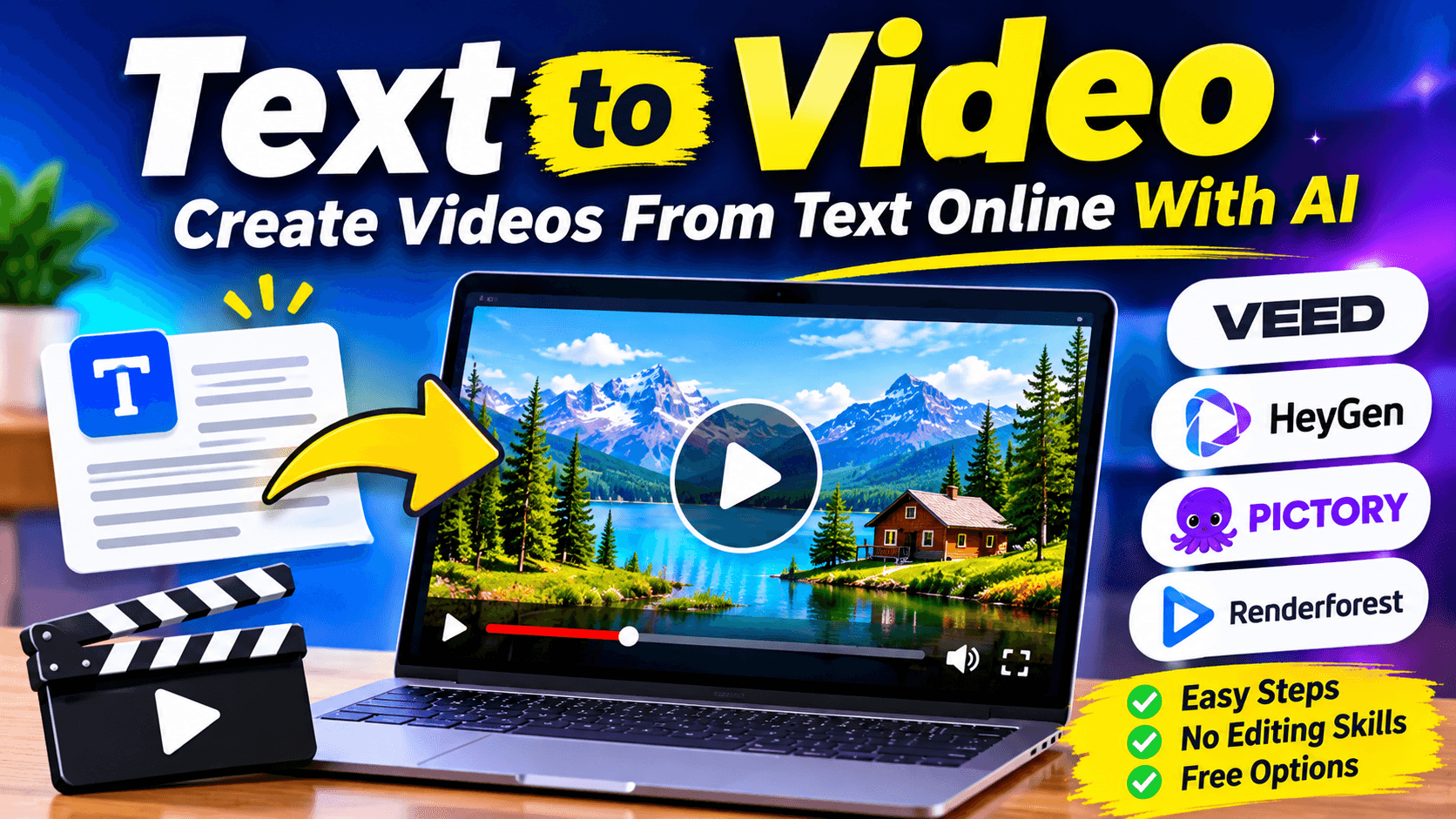
Creating a video usually takes time. You need a script, visuals, editing software, and sometimes a camera or recording equipment. But what if you could turn your written ideas into a video without doing all that work?
A text to video tool makes this possible. It uses AI to convert written prompts, scripts, or articles into video content. Depending on the platform, it can generate scenes, select matching images, add voiceovers, and include subtitles.
This is useful for YouTube creators, marketers, teachers, businesses, and anyone who wants to produce videos more easily.
You do not need advanced editing skills to get started. Simply enter your text, choose a video style, adjust the settings, and let the tool create an initial version.
In this guide, you will learn how text to video technology works, how to use it, and which online tools are worth trying.
What Is Text to Video?
Text to video is a technology that converts written instructions into video content using artificial intelligence.
You can enter a short description, a complete script, or an article, depending on the tool. The AI then processes your text and creates video scenes based on the information you provide.
Some generators create original AI video clips, while others use stock footage, images, animations, and voiceovers to build a complete video.
For example, you could enter:
"Create a short video about a beautiful mountain village during winter. Show snow covered houses, people walking through the streets, and warm lights coming from the windows."
An AI video generator can use this description to create relevant visual content.
Text to video tools are commonly used for:
- YouTube videos and Shorts.
- Instagram Reels and TikTok content.
- Business advertisements.
- Educational videos and tutorials.
- Product demonstrations.
- Social media marketing.
- Explainer videos and presentations.
How Does an AI Text to Video Generator Work?
Most AI video generators follow a simple process. However, the technology and available features differ between platforms.
1. Text input: You enter a prompt, script, or written idea that explains what your video should contain.
2. AI processing: The platform analyzes your text and identifies the subject, scenes, and visual elements.
3. Scene creation: Depending on the tool, AI generates video clips or selects suitable stock footage, images, and animations.
4. Audio generation: Some platforms can add AI voices, background music, and sound effects.
5. Video editing: You can review the scenes, change the text, adjust the timing, and customize the appearance.
6. Exporting: Once the video looks right, export it in an available format and share it on your preferred platform.
The amount of editing required depends on the quality of your prompt and the capabilities of the generator.
How to Convert Text Into a Video Online
You can create a video from text using a browser based AI tool. Here is a simple process that works with many online generators.
Step 1: Prepare Your Text or Script
Start with a clear idea of what you want to create.
If you are making an educational video, write the main points in a logical order. For a short social media video, keep the message focused on one subject.
Avoid adding unrelated information because it can make the generated video confusing.
Step 2: Choose an Online Text to Video Tool
Open an AI video generator that supports your preferred creation method.
Some platforms work with short prompts, while others can turn longer scripts and articles into videos.
Choose a tool based on your project rather than selecting one simply because it offers many features.
Step 3: Enter Your Prompt
Describe the video you want to create.
Include details such as:
- Main subject and purpose.
- Visual style and mood.
- Scene descriptions.
- Desired video length.
- Voiceover or music preferences.
A clear description gives the AI better direction.
Step 4: Select a Video Style
Depending on the platform, you may be able to choose between realistic footage, animation, cinematic scenes, stock visuals, or an AI presenter.
Select a style that matches your audience and topic.
For example, an animated style may suit children's educational content, while realistic visuals may work better for product presentations.
Step 5: Generate and Review the Video
Start the generation process and wait for the tool to prepare your video.
Watch the result carefully. Check whether the visuals match your script and whether the narration is clear.
AI generated videos may contain incorrect details or unsuitable scenes, so reviewing the output is important.
Step 6: Edit and Download
Make changes wherever necessary. You can adjust captions, replace visuals, change the voice, add music, or remove unwanted scenes.
When everything is ready, export the video using the resolution and aspect ratio supported by your chosen platform.
Best AI Text to Video Generators
There are several online platforms that can convert written content into videos. The following four tools offer different approaches to video creation.
1. VEED AI Text to Video
Website: https://www.veed.io/tools/ai-video/text-to-video
VEED provides an AI text to video generator that helps users create videos from written prompts. It combines video creation with editing features, making it useful for people who want to generate and improve content in one place.
You can describe your video idea and use available AI features to create visuals, voiceovers, and other elements.
VEED also offers AI avatars, voice tools, subtitles, and video editing options.
Main features:
- Generate videos from text prompts.
- Add AI voices and voiceovers.
- Use AI avatars.
- Edit and customize generated videos.
- Add subtitles and other video elements.
Best for: Social media creators, marketing teams, and users who want AI generation with additional editing tools.
2. HeyGen Text to Video
Website: https://www.heygen.com/tool/text-to-video
HeyGen focuses on turning scripts and prompts into videos with AI presenters and other visual styles.
You can enter your script, choose a presenter or create a video without one, and customize the result. Its avatar and voice features make it useful for creating presenter style content without recording yourself.
It also supports different video formats, including landscape, portrait, and square layouts.
Main features:
- Convert scripts and prompts into videos.
- AI presenters and avatars.
- AI voiceovers.
- Captions and visual customization.
- Different video aspect ratios.
Best for: Training videos, business presentations, educational content, and presenter based videos.
3. Pictory Text to Video
Website: https://pictory.ai/text-to-video
Pictory is designed to turn written content into video scenes. You can provide a script, article, or notes, and its AI can create scenes using matching visuals, voiceovers, and captions.
One useful feature is its text based editing approach. You can make changes to the written content and use the editor to adjust the corresponding video.
This makes Pictory worth considering if you already have articles or scripts that you want to repurpose as videos.
Main features:
- Convert scripts and articles into videos.
- Match scenes with stock footage and images.
- AI generated visuals.
- AI voice options.
- Automatic captions.
- Edit videos through text.
Best for: Bloggers, content marketers, educators, and YouTube creators.
4. Renderforest Text to Video AI
Website: https://www.renderforest.com/text-to-video-ai
Renderforest offers an AI video generator that can turn prompts or complete scripts into video content.
You can describe your idea, provide additional media when supported, and generate scenes with voiceovers and music.
The platform also provides other creative tools, including animation, video templates, and branding features.
It is a useful option if you want to explore AI video generation alongside traditional video creation tools.
Main features:
- Generate videos from prompts and scripts.
- AI generated scenes.
- Voiceovers and music.
- Multiple AI video models.
- Video templates and creative editing options.
Best for: Marketing videos, creative projects, promotional content, and animated presentations.
Text to Video Tool Comparison
Tool | Main Strength | Best Use |
|---|---|---|
VEED | AI generation and editing | Social media videos |
HeyGen | AI presenters and voices | Business and training |
Pictory | Script and article conversion | Content repurposing |
Renderforest | AI scenes and creative tools | Promotional videos |
Each platform has a different workflow. Before choosing one, check its current pricing, free generation limits, watermark policy, export quality, and commercial usage terms.
How to Write Better Text to Video Prompts
The quality of your video depends partly on how clearly you explain your idea.
A short prompt such as "Make a video about nature" may not provide enough information. A more detailed prompt gives the generator a clearer direction.
Here are three examples you can use as starting points.
Example 1: Travel Video Prompt
"Create a cinematic travel video showing a beautiful mountain valley in Switzerland. Include green hills, clear lakes, snowy mountain peaks, and a small village. Use natural daylight, smooth camera movements, and relaxing background music."
Example 2: Business Advertisement Prompt
"Create a professional promotional video for an online clothing store. Show modern clothing, close up product shots, attractive backgrounds, and smooth transitions. Use a clean visual style with short captions and upbeat music."
Example 3: Educational Video Prompt
"Create a simple educational video explaining how solar panels generate electricity. Show sunlight reaching solar panels, energy conversion, and electricity being used in a home. Use clear visuals and easy to understand narration."
A useful prompt should explain the subject, scene, visual style, and intended audience. You can also specify the camera movement and mood when the generator supports these instructions.
Benefits of Using Text to Video AI
AI video generators can make video production easier, particularly for people who do not have editing experience.
Saves production time: You can create an initial video without manually collecting every visual or building every scene.
No camera required: Some platforms generate videos with AI visuals or virtual presenters, so you do not need to record yourself.
Useful for content creators: Written articles, scripts, and ideas can become videos for different platforms.
Supports creative projects: You can experiment with animation, cinematic scenes, and different visual styles.
Easy to get started: Many tools provide browser based editors and simple workflows for beginners.
However, AI does not guarantee professional results. You still need to review the content and make corrections when necessary.
Common Mistakes to Avoid
Creating a video from text is easy, but getting a good result requires some attention.
- Writing unclear prompts: Give the AI enough information to understand your idea.
- Using overly long scripts: Divide large topics into smaller sections and scenes.
- Ignoring visual accuracy: Check whether the generated visuals actually match your message.
- Skipping the final review: Watch the complete video before publishing.
- Forgetting copyright: Check the usage rights for music, stock footage, voices, and generated assets.
- Using the wrong format: Select a suitable aspect ratio for YouTube, TikTok, Instagram, or your website.
Frequently Asked Questions
1. What is the best text to video AI tool?
It depends on your needs. VEED offers AI video creation and editing, HeyGen focuses on AI presenters, Pictory is useful for converting scripts and articles, and Renderforest offers AI video generation with creative tools.
2. Can I convert text into video for free?
Some platforms provide free trials or limited free generations. However, video length, export quality, watermarks, and available features may be restricted.
3. Can AI create a video from a complete article?
Yes. Tools such as Pictory support converting articles and written scripts into video scenes. You may still need to edit the result to keep the video focused and accurate.
4. Do I need video editing experience?
No. Most online text to video tools are designed for beginners. You can start with a prompt or script and make basic changes using the available editing features.
5. Can I use text to video for YouTube?
Yes. You can create educational videos, explainers, product videos, and other content for YouTube. Always review the generated visuals, narration, and factual information before publishing.
6. What is the difference between text to video and image to video?
Text to video creates video content from written instructions or scripts. Image to video starts with an existing picture and generates movement or animation based on the image and any additional instructions.
Final Thoughts
Text to video technology gives creators a simpler way to turn written ideas into visual content. Whether you want to make YouTube videos, explain a product, create training material, or share information on social media, an AI video generator can help you get started.
VEED, HeyGen, Pictory, and Renderforest each offer a different approach. Choose the one that matches your project, write a clear prompt, and review the generated video before sharing it.
AI can handle much of the initial creation, but your ideas, editing decisions, and final review are what make the video useful and worth watching.